Create Stunning Videos with Top Android Animation Apps
Why Animation Apps Matter for Android Creators
Animation is no longer the domain of expensive software or pro studios. With a few taps on a phone, anyone can add motion, personality, and polish to a video. Whether you’re crafting a marketing clip, a social media story, or a personal keepsake, animated graphics help your content stand out, keep viewers engaged, and convey ideas quickly.
Top Animation Apps for Android: Features and Highlights
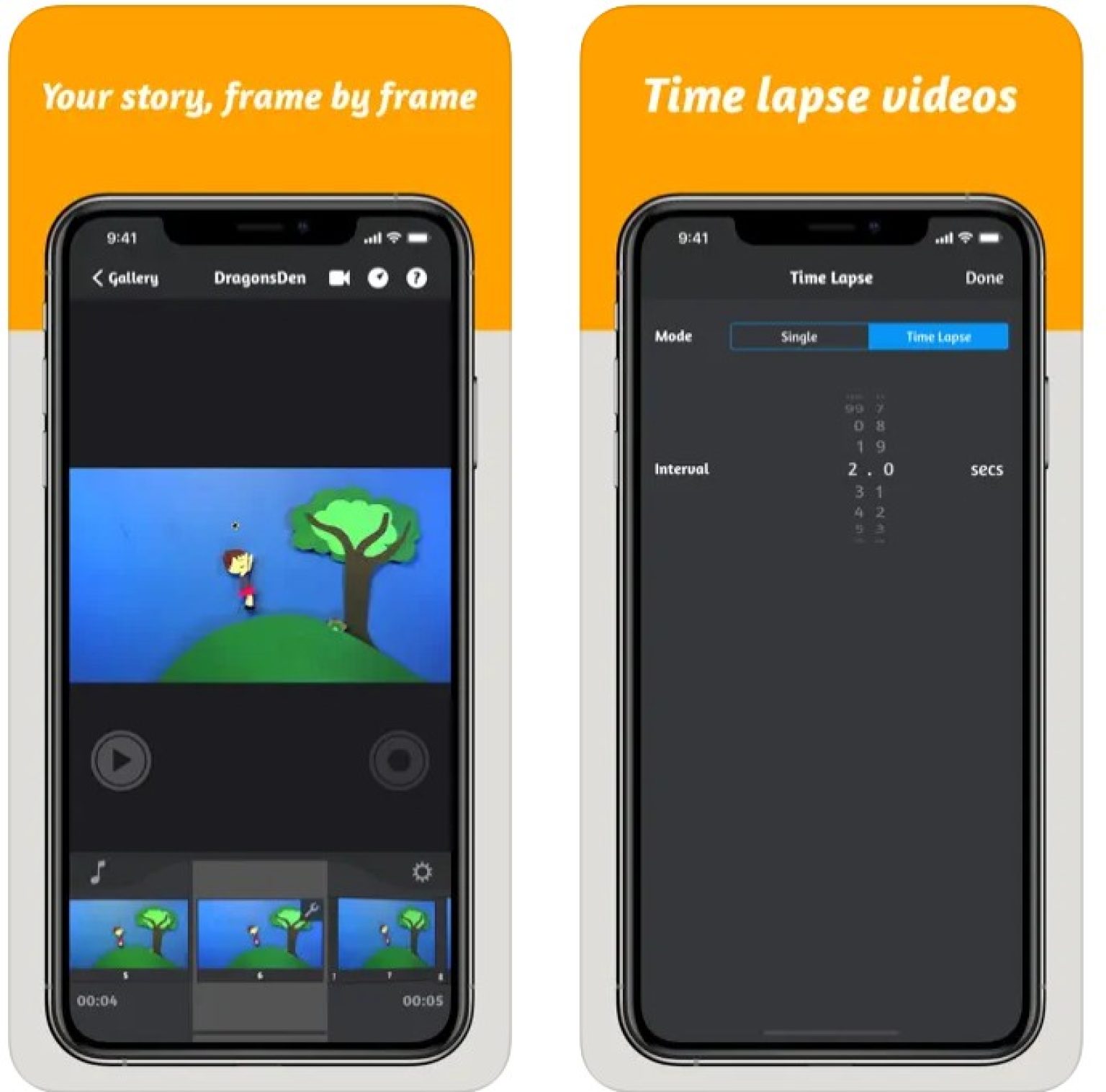
- FlipaClip – A hand‑drawn animation tool that lets you create frame‑by‑frame cartoons. Its layered interface, onion skinning, and intuitive brush set make it perfect for both beginners and seasoned animators.
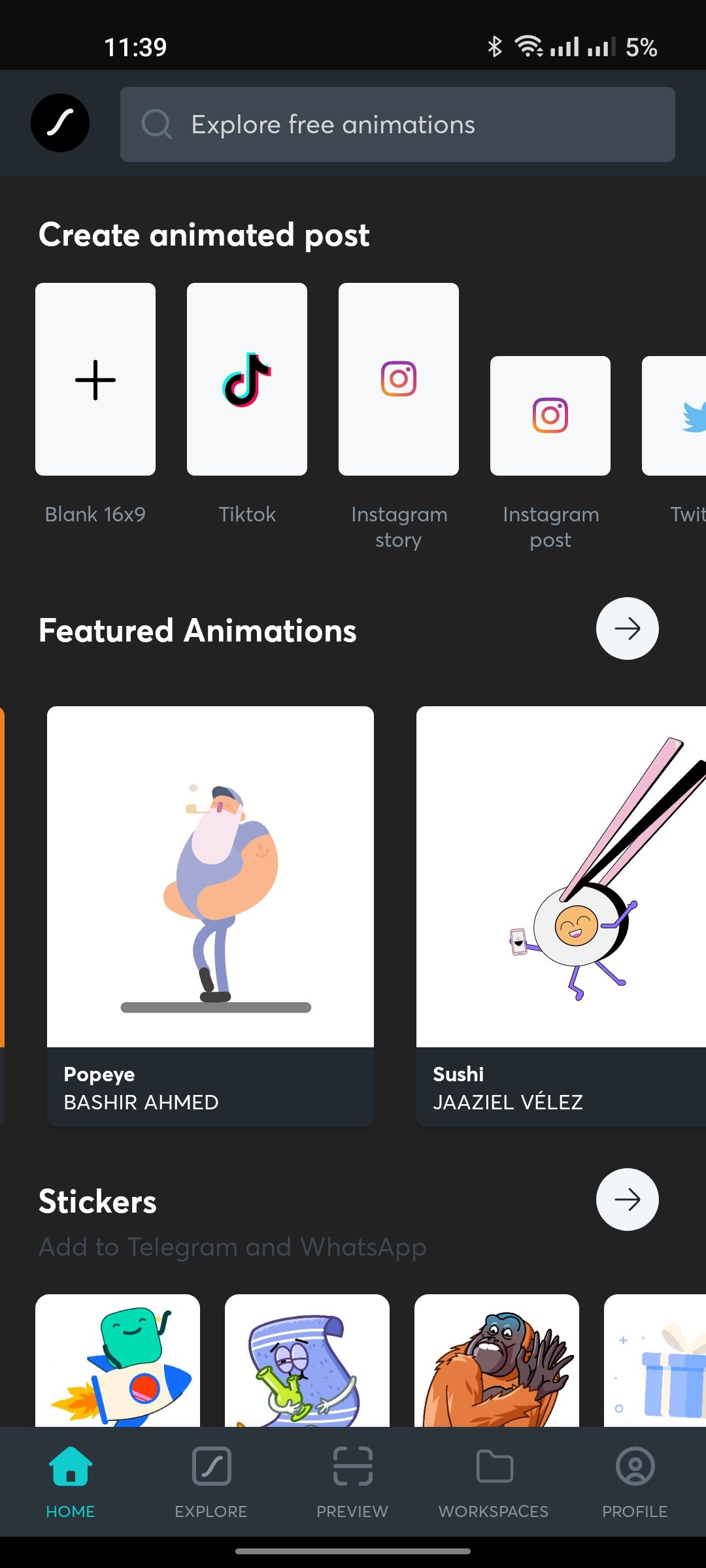
- LottieFiles – Built for motion graphics, LottieFiles lets you import JSON animations created in Adobe After Effects and export them directly to your Android device. The library offers thousands of free assets, so you can enhance videos with high‑quality animations without starting from scratch.
- Animaker – A cloud‑based platform that also offers a mobile app. With drag‑and‑drop characters, backgrounds, and soundtracks, Animaker is ideal for quick explainer videos or marketing reels.
- Plotagon – Turn text into animated storytelling. Type a script, pick a character, and watch Plotagon animate the scene for you. It’s a great option for educators, marketers, and anyone who wants to tell a story visually.
- ToonApp – A creative app that transforms photos and videos into cartoonish styles. Combine its animation filters with basic editing tools to give ordinary clips a whimsical feel.
- Canva – While known for design, Canva’s mobile app includes animated elements and templates. You can add motion to text, icons, and images, then export a polished video ready for social platforms.
How to Get the Most Out of Your Animation App
Choosing the right app is just the first step. To truly harness its power, consider the following workflow tips:
Start with a Clear Concept
Sketch or outline your idea before diving into animation. Knowing the story beats, key visuals, and pacing helps you choose the right tools and saves time later.
Master Layers and Timing
Most animation apps use layers to separate background, midground, and foreground elements. Play with timing—how long each frame lasts—and experiment with easing functions to make motion feel natural.
Use Asset Libraries Wisely
Apps like LottieFiles and Animaker provide ready‑made assets. Pick pieces that match your brand or theme, then tweak colors or speeds to fit your narrative.
Export in the Right Format
When you’re done, export your animation in a format that balances quality and file size. MP4 is widely supported, and many apps offer options to adjust resolution or bitrate.
Keep Learning and Experimenting
Animation is an iterative craft. Try new brushes, explore advanced features like motion blur or 3D layers, and watch tutorials to stay ahead of the curve.
Common Questions About Android Animation Apps
- Do I need a computer to create animated videos on Android? No. All the tools listed run natively on Android, allowing you to produce professional‑looking animations right from your phone.
- Can I export my animations to other editing software? Yes. Most apps let you export videos or asset files that can be imported into programs like Adobe Premiere or Final Cut Pro.
- What’s the difference between free and paid plans? Free tiers typically offer limited features or watermarked outputs. Paid plans unlock full asset libraries, higher export resolutions, and additional tools.
- Are these apps suitable for beginners? Absolutely. Many, such as FlipaClip and Canva, come with beginner tutorials, while more advanced options like LottieFiles are great for users who already have basic animation knowledge.