Google Translate Made Easy: English to Spanish in Minutes
Whether you’re scrolling through a foreign‑language website, texting a friend abroad, or trying to understand a restaurant menu, the phrase “Google Translate English to Spanish made easy” often feels like a promise you’ve heard before but haven’t quite nailed down. The good news? It really can be that straightforward—if you know a few tricks, the free tool can go from a quick word‑lookup to a reliable bridge for everyday communication.
Why Google Translate Still Beats Most Free Options
Google’s neural‑machine translation engine has been refined for several years, and its English‑to‑Spanish pair is among the most robust. The system learns from billions of real‑world examples, so it handles common colloquialisms, regional variants, and even gendered nouns better than many competitors. That said, it’s not a magic wand; context still matters, and the output can wobble when you throw in technical jargon or poetry.
Getting Started: The Basics in Under a Minute
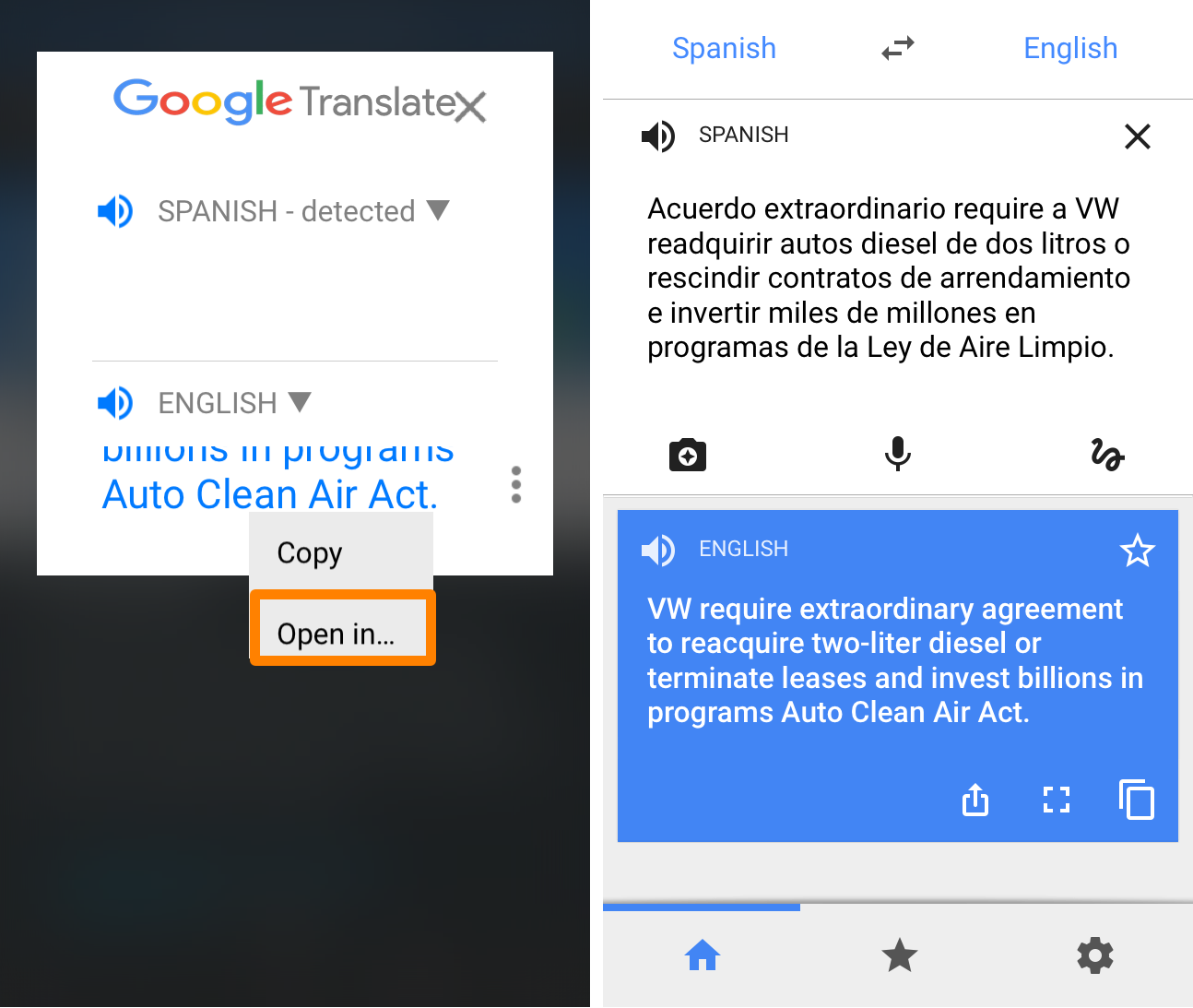
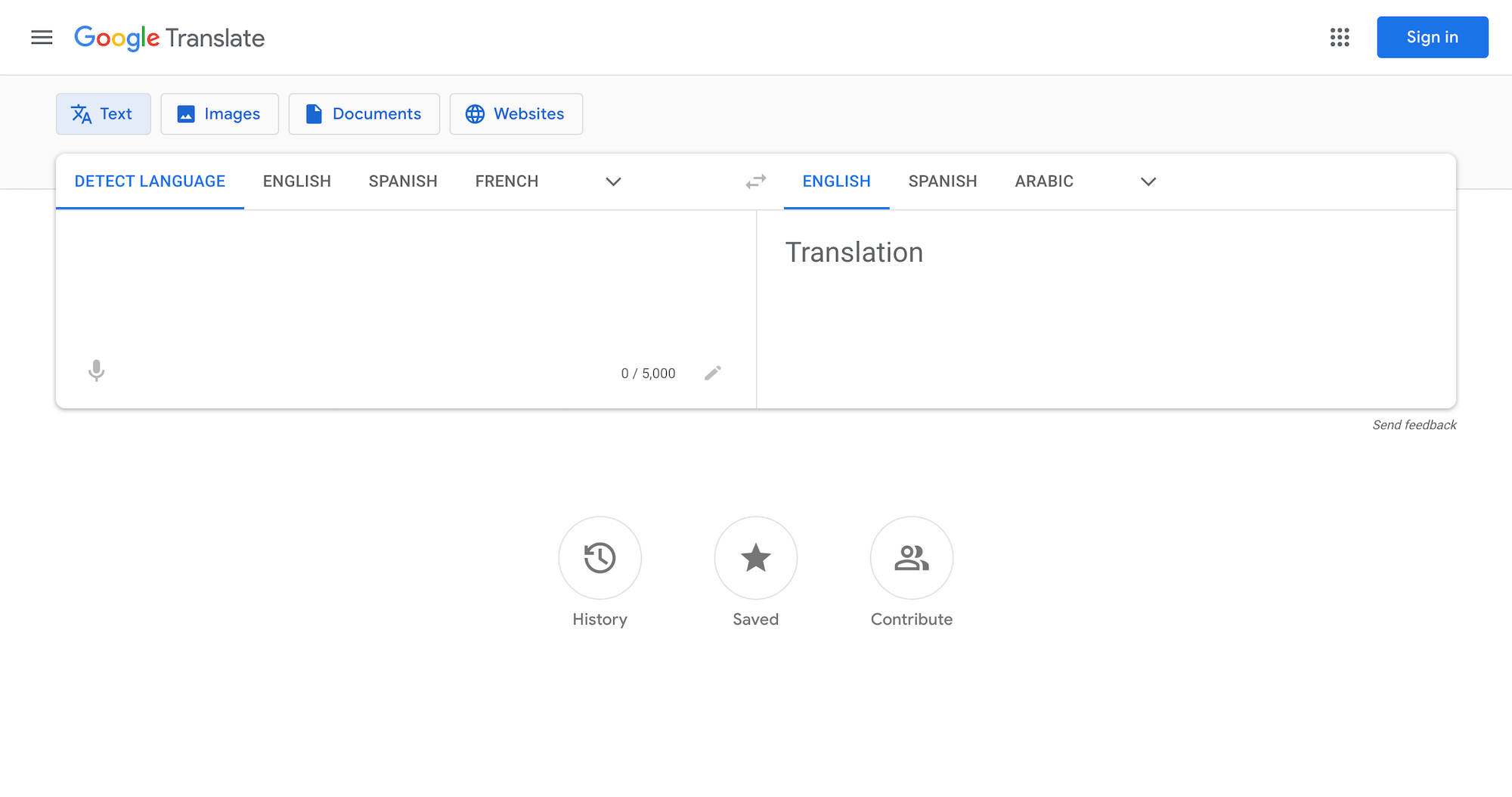
- Open the app or website. On mobile, tap the Translate icon; on desktop, go to translate.google.com.
- Select languages. Choose “English” as the source and “Spanish” as the target. The app remembers your last pair, so you’ll often see it pre‑filled.
- Type, paste, or speak. Enter the English text, or tap the microphone to dictate. Google will instantly render the Spanish version below.
- Tap the speaker icon. Hearing the translation spoken aloud helps you verify pronunciation and catch odd‑sounding phrasing.
If you need a longer passage, the “Conversation” mode lets you hold both phones and watch a real‑time back‑and‑forth translation—handy for market stalls or quick chats.
Fine‑Tuning the Output for Real‑World Use
Even the best AI can produce literal translations that miss nuance. Here are three quick ways to polish the result before you hit send:
- Check gender and formality. Spanish distinguishes between “tú” (informal) and “usted” (formal). Google often defaults to the informal, so swap in the appropriate pronoun if you’re writing a business email.
- Watch for false friends. Words like “actual” (English “current”) become “actual” in Spanish, meaning “real.” A quick mental check prevents embarrassing misunderstandings.
- Use the “Suggest an edit” button. When the translation feels off, tap the pencil icon to propose a better phrase. Your edit helps improve future results for everyone.
Beyond Words: Translating Documents and Webpages
For longer content, Google Translate offers a document upload feature. Drag a .docx, .pdf, or .ppt file into the box, select English‑to‑Spanish, and let the service render the entire file. While the formatting isn’t perfect, the bulk of the text is ready for a quick human proofread. Similarly, the Chrome extension can translate entire webpages on the fly—just click the translate icon in the address bar.
When to Trust It—and When to Get a Human Touch
For day‑to‑day tasks like texting, browsing news, or deciphering a sign, Google Translate is usually sufficient. However, if you’re dealing with legal contracts, medical instructions, or literary works, a professional translator is still the safest bet. The AI may miss subtleties that could change meaning dramatically in high‑stakes contexts.
Quick Checklist: Is Your Translation Ready?
- Did you verify the gender of nouns and pronouns?
- Have you replaced any false friends with the correct Spanish equivalents?
- Is the tone appropriate for your audience (formal vs. informal)?
- Did you listen to the spoken version for pronunciation accuracy?
Running through these four points takes less than a minute but can save you from awkward or even offensive slip‑ups.
FAQ
Can Google Translate handle idiomatic expressions?
It does a decent job with common idioms—think “break the ice” becoming “romper el hielo.” Still, less‑common sayings may translate literally, so a quick web search or native‑speaker check is wise.
Is the translation reliable for academic papers?
For drafts, yes; you’ll get a solid base to work from. For final submissions, however, a professional editor should review the text to ensure academic tone and proper terminology.
How does Google Translate deal with regional variations?
The engine often defaults to a neutral Latin American Spanish. If you need Mexican, Argentine, or European Spanish, you can manually adjust certain words (e.g., “carro” vs. “coche”) after the initial translation.