Grafana OSS vs Enterprise: Which One Suits You?
When you start building observability pipelines, the first fork in the road is often the choice between Grafana OSS vs Enterprise. Both flavors let you craft beautiful dashboards, but they diverge sharply on licensing, support, and the extra bells and whistles that large organizations tend to crave. In the next few minutes, let’s walk through the practical differences, so you can decide whether the free, community‑driven edition is enough or if the paid version makes sense for your team.
Core capabilities: what you get out of the box
Grafana OSS (open‑source) provides the essentials: a flexible UI, over 50 built‑in data source integrations, alerting, and a thriving plugin ecosystem maintained by the community. You can connect to Prometheus, InfluxDB, Elasticsearch, MySQL, and many more without paying a dime. The alerting engine supports basic thresholds, notification channels like Slack or email, and a simple rule‑based approach.
Grafana Enterprise builds on that foundation and adds a handful of “enterprise‑grade” features. These include out‑of‑the‑box integrations for commercial data sources (for example, Oracle, Microsoft SQL Server, Snowflake, and Splunk), advanced authentication options (LDAP, SAML, OAuth2, and Azure AD), fine‑grained role‑based access control, and built‑in reporting capabilities that let you export dashboards as PDFs on a schedule. The Enterprise edition also ships with a proprietary “Enterprise plugins” catalog that is not available to OSS users.
Support and maintenance: who’s on call when things go sideways?
With OSS, you’re on your own—or you can lean on the vibrant community forums, GitHub issues, and public Slack channels. Many organizations find that sufficient, especially when they have in‑house Grafana experts. However, there’s no guaranteed response time, and you’re responsible for upgrades, security patches, and troubleshooting.
Enterprise customers receive a service‑level agreement (SLA) from Grafana Labs. That means you get direct access to a support team, priority bug fixes, and a predictable upgrade roadmap. If your dashboards power critical business operations, that extra safety net can be worth the subscription cost.
Pricing model: how the numbers add up
Grafana OSS is free to download, modify, and deploy. The only costs you’ll encounter are the underlying infrastructure (servers, storage, etc.) and any time you spend customizing or maintaining the stack.
Enterprise pricing is subscription‑based and typically scales with the number of active users or the size of the deployment. Grafana Labs does not publish a fixed price list; instead, they work with you to craft a plan that matches your usage pattern. The subscription also covers the premium plugins and the support package mentioned earlier.
Feature deep‑dive: what really sets Enterprise apart
- Advanced authentication and SSO: Seamless integration with corporate identity providers, reducing the need for separate Grafana accounts.
- Fine‑grained permissions: Permissions can be set at the folder, dashboard, or even panel level, enabling strict compliance with data‑access policies.
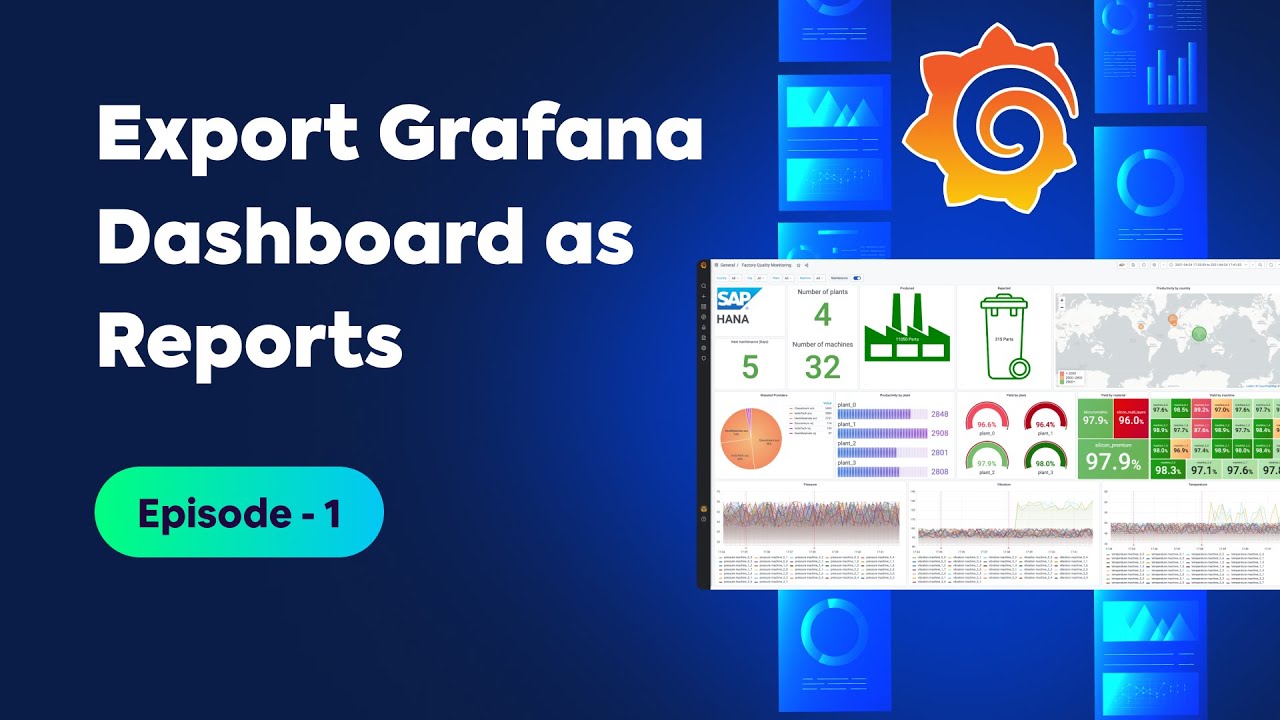
- Reporting and snapshot automation: Schedule PDF exports, email them to stakeholders, or generate static snapshots for audits.
- Enterprise‑only data source plugins: Native connectors for proprietary databases and SaaS services that would otherwise require custom development.
- White‑labeling and branding: Remove Grafana branding and apply your own corporate look‑and‑feel.
- High‑availability clustering: Built‑in support for clustered deployments, which can be essential for large teams that cannot tolerate downtime.
When OSS is more than enough
If you’re a startup, a small dev‑ops team, or a hobbyist, the OSS edition often checks all the boxes. Its plugin marketplace is extensive enough to cover most monitoring stacks, and the community is quick to share dashboards for popular use cases. When your primary goal is to visualize metrics, logs, and traces without complex compliance requirements, OSS lets you get there fast and at zero cost.
Moreover, the open‑source nature means you can fork the code, add custom plugins, or even contribute back. That flexibility can be a boon if you enjoy tinkering or need a very specific data source that the community already supports.
Scenarios where Enterprise shines
Large enterprises often face strict security policies, need formal support contracts, and require advanced data source integrations that are not covered by the community plugins. If your organization mandates SSO, LDAP sync, or role‑based access control, the Enterprise edition removes a lot of custom‑coding headaches. Similarly, if you need to generate regular PDF reports for executives or auditors, the built‑in reporting feature saves you from building ad‑hoc export scripts.
Another practical consideration is uptime. Enterprises that cannot afford any monitoring downtime will benefit from the high‑availability clustering and the guaranteed response times that come with a paid support plan.
Migration path: can you move from OSS to Enterprise?
Yes. Grafana Labs designed the two editions to be compatible. You can start with OSS, grow your dashboards, and later purchase an Enterprise license. The upgrade process typically involves swapping the binary, applying your license key, and enabling the enterprise plugins you need. Because the underlying data model stays the same, most of your existing dashboards and alerts migrate seamlessly.
Decision checklist
Before you lock in a choice, walk through this quick mental checklist:
- Do you need official support with an SLA? → Enterprise.
- Are you using or planning to use proprietary data sources not covered by community plugins? → Enterprise.
- Is budget a primary constraint? → OSS.
- Do you require granular access controls or SSO integration? → Enterprise.
- Will you be generating scheduled reports for non‑technical stakeholders? → Enterprise.
Frequently Asked Questions
Do I have to pay for Grafana Enterprise right away?
Enterprise is sold as a subscription, but Grafana Labs offers trial periods so you can test the premium features before committing. Pricing is tailored to your usage, so you’ll receive a quote based on the number of users and the level of support you need.
Can I upgrade from OSS to Enterprise without losing my dashboards?
Yes. The upgrade is essentially a binary swap and license activation. Because both editions share the same data store, all existing dashboards, alerts, and data source configurations remain intact.
What are the biggest feature gaps between OSS and Enterprise?
The most notable gaps are advanced authentication (SSO, LDAP), fine‑grained RBAC, built‑in reporting, and the exclusive enterprise plugins for commercial databases. Alerting in OSS is solid but lacks some of the enterprise‑level alert routing and escalation options.
Is support included with the Enterprise subscription?
Support is a core part of the Enterprise offering. You’ll receive access to a dedicated support portal, guaranteed response times, and assistance with upgrades, security patches, and troubleshooting.