Haier AC E4 Error: What It Means & How To Fix
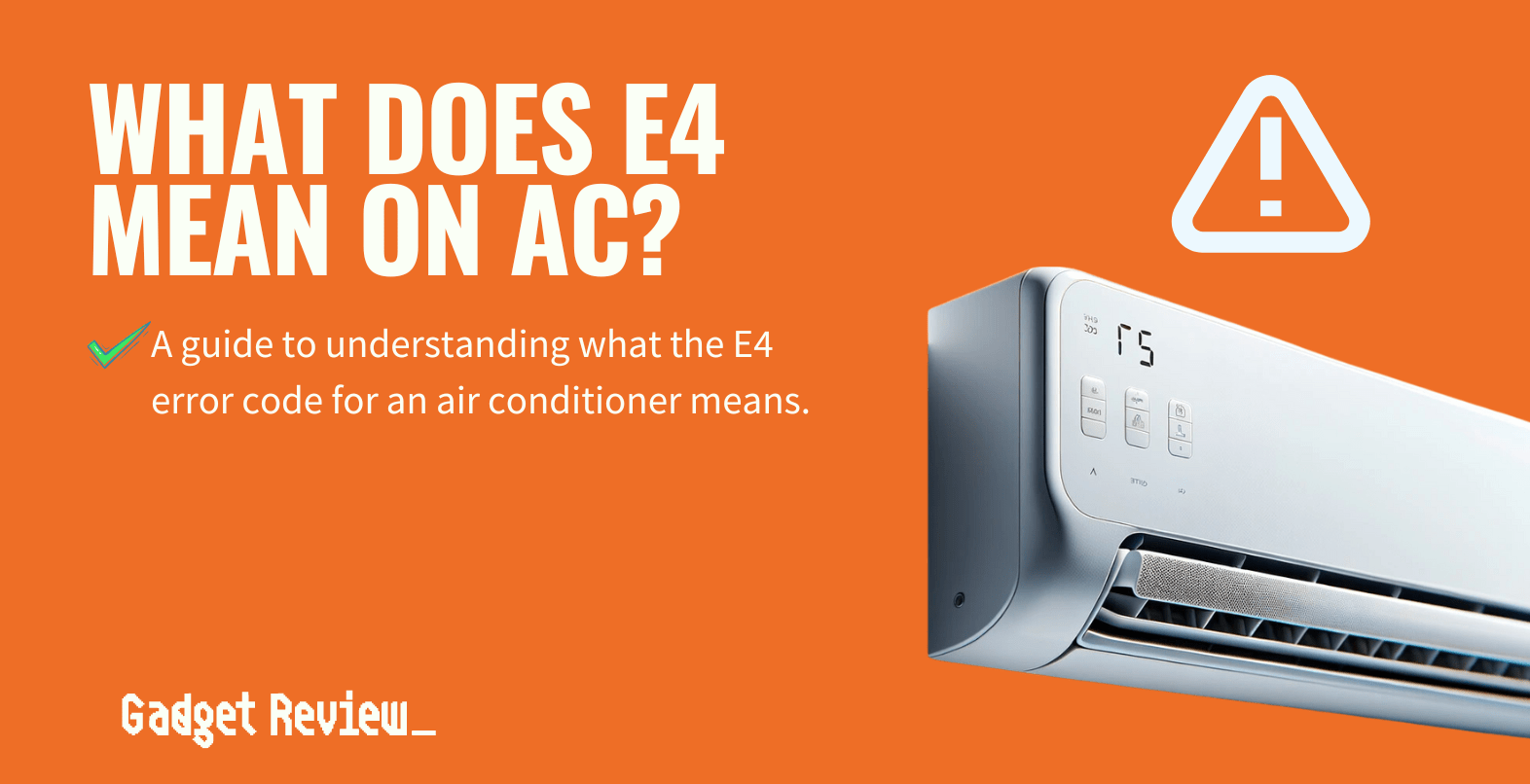
If your Haier air conditioner suddenly flashes an E4 error code, you’re not alone. Most users encounter this issue during a heatwave or when the unit is first installed. The code typically appears on the display panel and signals a problem with the indoor temperature sensor or the connection between the sensor and the control board. While the exact cause can vary, the good news is that many E4 errors are straightforward to diagnose and resolve with a few simple steps.
Understanding the E4 Error Code
Before you dive into troubleshooting, it helps to know exactly what the E4 code is telling the system. In Haier units, the E4 error refers to:
- Faulty indoor temperature sensor – The sensor fails to provide accurate readings.
- or Weak or lost sensor signal – The signal between the sensor and the main board is interrupted.
Because the sensor’s role is to inform the controller whether the room is too hot or too cold, a malfunction leads the system to shut down or cycle erratically to protect the compressor. That’s why you often see the unit turning on and off or remaining in a “standby” mode after the error appears.
Common Causes of the E4 Error
While the sensor itself is the most frequent culprit, several other factors can trigger the same code:
- Loose or corroded wiring – Over time, vibrations or temperature swings can loosen connections.
- Power supply issues – Inconsistent voltage can affect sensor readings.
- Physical damage – Dropping the unit or a sudden surge in humidity can damage internal components.
- Software glitch – Firmware errors can mistakenly flag the sensor as faulty.
In most scenarios, inspecting the sensor and its wiring is the first step. If the hardware checks out, you can rule out power or firmware problems.
Step‑by‑Step Guide to Fix the E4 Error
Below is a practical checklist that covers the most common fixes. Always unplug the unit before working on it to avoid injury.
1. Power‑Cycle the Unit
Turn off the air conditioner using the remote or wall switch. Wait at least 30 seconds, then restart it. This simple reset can clear temporary glitches that trigger E4. If the code disappears, you’re probably dealing with a software hiccup.
2. Inspect the Indoor Temperature Sensor
Locate the sensor on the inside unit, usually near the thermostat housing or the vent grille. Look for:
- Visible damage or corrosion.
- Loose wires or a disconnected connector.
- Any foreign material, such as dust or debris, that might block the sensor.
Use a multimeter to check continuity between the sensor terminals and the control board. A reading of 0 Ω indicates a good connection; a reading of infinite resistance (open circuit) points to a broken wire.
3. Tighten or Replace Wiring
If you find a loose connector, carefully tighten it. Should you notice frayed or burnt wires, replace them with matching gauge wires. Ensure each connection is snug and protected with electrical tape or heat shrink tubing to prevent future loosening.
4. Clean or Replace the Sensor
Dust accumulation can obscure sensor readings. Gently wipe the sensor surface with a dry microfiber cloth. If cleaning doesn’t help, consider swapping the sensor for a new one. Many Haier models use a standard 1‑inch or 1‑inch + ½‑inch sensor, so consult your unit’s manual or a parts catalog for the exact specification.
5. Check Power Supply Stability
Use a voltage tester to confirm that your household circuit delivers a steady supply (typically 220–240 V for Haier units). Fluctuations can cause erroneous sensor readings. If you suspect electrical instability, consult an electrician before proceeding.
6. Update the Firmware (If Applicable)
Some newer Haier units support OTA or manual firmware updates. Visit the official Haier support site, enter your model number, and download the latest firmware package. Follow the instructions carefully to avoid bricking your controller.
7. Contact Professional Service
If all else fails, it’s time to call a qualified HVAC technician. Persistent E4 errors after hardware checks often point to deeper issues like a defective control board or a problem beyond the sensor’s scope.
Prevention Tips to Keep the E4 Error at Bay
Once you’ve fixed the current E4 code, you can reduce the risk of recurrence with simple maintenance habits:
- Regularly clean the air filter. A clogged filter forces the system to work harder, potentially stressing sensors.
- Check and tighten all wiring connections annually. Vibrations from the compressor can gradually loosen contacts.
- Keep the indoor unit away from moisture. Excess humidity can corrode sensors and wiring.
- Schedule annual servicing. A professional checkup can catch sensor degradation before it triggers an error.
Frequently Asked Questions
Q: Does the E4 error affect my cooling performance?
A: Yes. The system may cycle on and off or run at reduced capacity while it tries to compensate for the sensor reading.
Q: Can I ignore the E4 code and continue using the AC?
A: It’s not recommended. Ignoring it can lead to compressor damage, which is far more costly than repairing a sensor.
Q: How often should I replace the indoor temperature sensor?
A: Most sensors last 10–15 years if kept dry and clean. Replace it if you notice erratic temperature readings or if the E4 code persists after troubleshooting.
Q: Is it safe to DIY these fixes?
A: Basic wiring checks and cleaning are safe for most homeowners. However, if you’re uncertain about handling electrical components, it’s best to call a professional.