How to Convert GB to MB and What It Means for Your Data
Why the Gigabyte‑Megabyte Relationship Matters
When you stare at a storage‑capacity chart, the numbers often jump from gigabytes (GB) to megabytes (MB) in an instant. Understanding the GB to MB conversion isn’t just a math exercise; it helps you gauge whether a file will fit on a flash drive, decide how much space a video will consume, or compare the advertised capacity of a hard drive with its real‑world performance. In short, the conversion bridges the gap between what devices claim and what you actually experience.
Basic math: 1 GB equals 1,024 MB
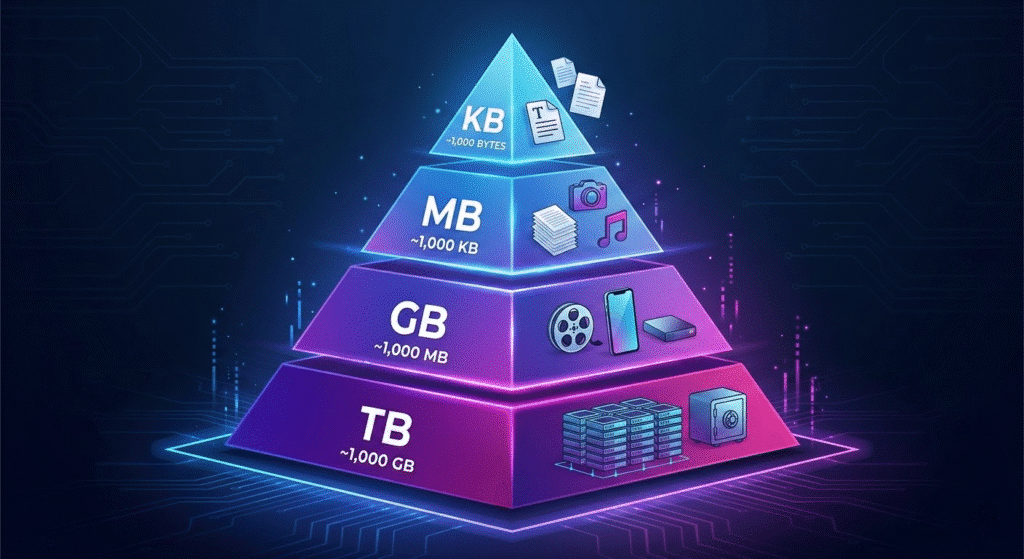
In most computing contexts, a gigabyte is defined using binary multiples. That means 1 GB = 210 MB, which works out to exactly 1,024 MB. This stems from the way memory addresses are organized in powers of two. So, if you have a 5 GB file, you’re really looking at 5 × 1,024 = 5,120 MB of data.
When the decimal system steps in
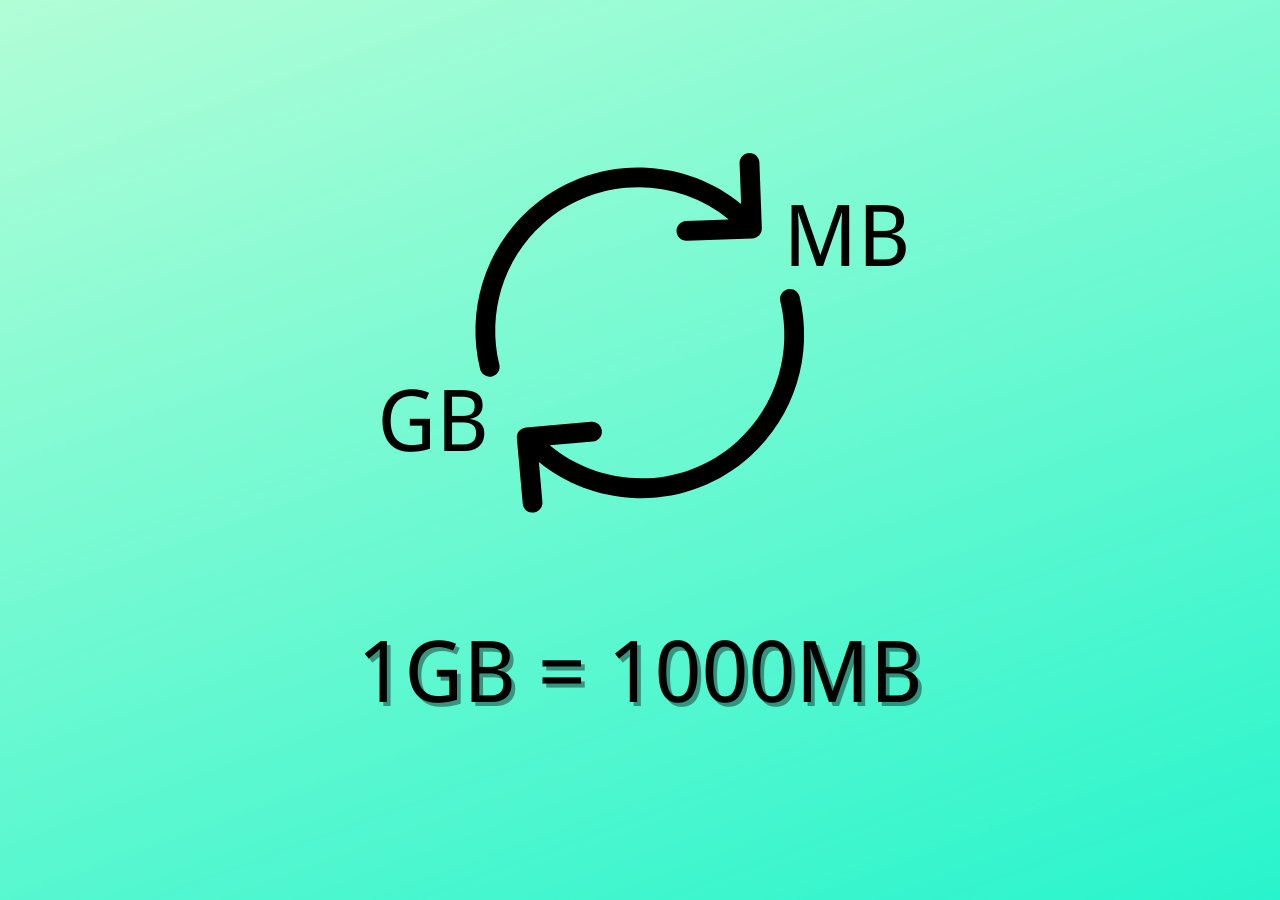
Manufacturers of storage devices sometimes adopt the decimal definition, where 1 GB = 1,000 MB. The logic is simple: it aligns with the metric system and makes advertising numbers look cleaner. A 500 GB external drive, for example, may be marketed as having 500,000 MB of space. The difference of 24 MB per GB is negligible for most users, but it can become noticeable when you’re counting every megabyte for a large backup.
Quick mental tricks for everyday conversions
- Multiply by 1,024 if you need the binary answer—just add three zeros and then add 2.4 % of the original number.
- Multiply by 1,000 when you’re dealing with manufacturer specs—treat it like a simple shift of three decimal places.
- Round up if you’re planning storage for a project; a few extra megabytes won’t hurt, and it saves you from a surprise “out of space” warning.
Practical examples you might encounter
Imagine you’ve downloaded a 2.5 GB game patch. Using the binary rule, that’s 2.5 × 1,024 = 2,560 MB. If your phone reports only 2,500 MB of free space, the download will fail even though the advertised size looks smaller. Conversely, a 1 GB video file shown on a streaming service may be calculated with the decimal system, meaning it occupies roughly 1,000 MB—potentially fitting into a tighter storage budget.
Common pitfalls and how to avoid them
One frequent mistake is mixing the two systems in the same calculation. If you subtract a decimal‑based GB value from a binary‑based MB total, you’ll end up with a misleading result. Another trap is assuming that “GB” always means “gigabytes” in the sense of “billion bytes.” In data transfer rates, “Gb” (lowercase “b”) stands for gigabits, which are eight times smaller than gigabytes. Always check the context and unit symbols before you crunch the numbers.
Tools that make conversion painless
While the math is simple, you might prefer a quick reference. Most operating systems include built‑in calculators that can handle custom conversions. Online converters let you toggle between binary and decimal modes, and even show the percentage difference. For developers, a one‑line script in Python—mb = gb * 1024—does the job instantly, ensuring consistency across a codebase.
Impact on budgeting and planning
When you budget for cloud storage or purchase a network‑attached storage (NAS) unit, the GB to MB conversion influences cost estimates. Cloud providers often bill by the gigabyte, but the actual usage is logged in megabytes. Knowing that 1 GB = 1,024 MB helps you predict when you’ll cross a pricing tier and avoid unexpected fees.
FAQ
Q: Is 1 GB always 1,024 MB?
A: In binary‑based computing, yes. However, some manufacturers and services use the decimal definition (1 GB = 1,000 MB), so it’s worth checking the context.
Q: How do I convert GB to MB on a smartphone?
A: Open the calculator app, type the gigabyte value, and multiply by 1,024 for binary or 1,000 for decimal. Some file manager apps also display both units.
Q: Why do my hard‑drive specs seem smaller than advertised?
A: The drive is marketed using the decimal system, while your computer reports space using the binary system. The 2.4 % discrepancy can add up across many gigabytes.
Q: Does the GB to MB conversion affect data transfer speed?
A: Not directly. Transfer speed is measured in bits per second (e.g., Mbps), while GB to MB deals with data size. Converting between the two requires accounting for the 8‑bit‑to‑byte ratio.