How to Move Crypto from Coinbase Wallet to Your Bank
Turning digital coins into cash can feel like navigating a maze, especially when your assets sit in a non‑custodial Coinbase Wallet. The good news? With a few deliberate steps you can bridge the gap between your crypto stash and your traditional bank account without pulling your hair out. Below is a practical guide that walks you through everything from prepping your wallet to confirming the final deposit.
Understanding the Basics of Coinbase Wallet to Bank Transfers
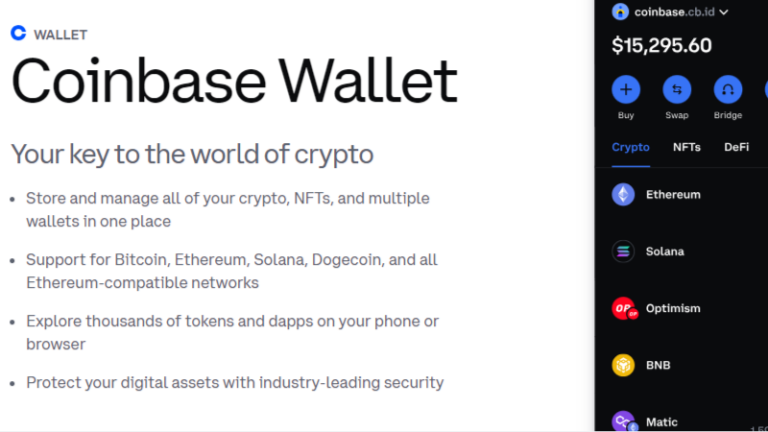
The Coinbase Wallet you download on your phone or browser extension is a self‑custody tool. Unlike the Coinbase exchange, it doesn’t hold your fiat balances, so you can’t click “Withdraw to Bank” directly. Instead, you’ll need to:
- Convert the cryptocurrency you own into a fiat‑compatible stablecoin or a supported asset.
- Move that asset to the Coinbase exchange (or another compliant platform) that offers bank payouts.
- Initiate a standard ACH, wire, or SEPA transfer from the exchange to your bank.
This two‑step approach keeps you in control of your private keys while still giving you access to the traditional financial system.
Preparing Your Coinbase Wallet for a Transfer
Before you start moving money, take a moment to double‑check a few details. First, make sure the wallet app is up to date; newer versions often smooth out network glitches that could delay a transaction. Next, verify that you have enough of the cryptocurrency you plan to convert—not just the amount you want to cash out, but also a small buffer to cover network fees.
If you haven’t already, link a verified email address and enable two‑factor authentication (2FA). While the wallet itself doesn’t store fiat, the exchange you’ll use later will, and a strong security posture protects both ends of the journey.
Converting Crypto to a Fiat‑Friendly Asset
Most banks won’t accept raw Bitcoin or Ethereum deposits, so you’ll need to swap your tokens for something the exchange can turn into dollars, euros, or pounds. Stablecoins like USDC, USDT, or DAI are popular because they maintain a 1:1 peg to a fiat currency and move quickly across blockchains.
Here’s a quick way to do it within the wallet:
- Open the “Swap” feature in Coinbase Wallet.
- Select the crypto you hold (e.g., ETH) as the source asset.
- Choose a stablecoin—USDC is often the most seamless option.
- Confirm the amount and approve the transaction. Expect a small network fee, which varies by blockchain (Ethereum gas fees can be higher than those on Polygon or Arbitrum).
After the swap, you’ll see the stablecoin balance reflected in your wallet’s asset list.
Sending the Stablecoin to the Coinbase Exchange
Now that your crypto is in a fiat‑compatible form, you need to bridge it to the Coinbase exchange where fiat withdrawals are possible. Follow these steps:
- Log in to your Coinbase.com account (or create one if you don’t have it yet). Complete any required identity verification; this is mandatory for bank transfers.
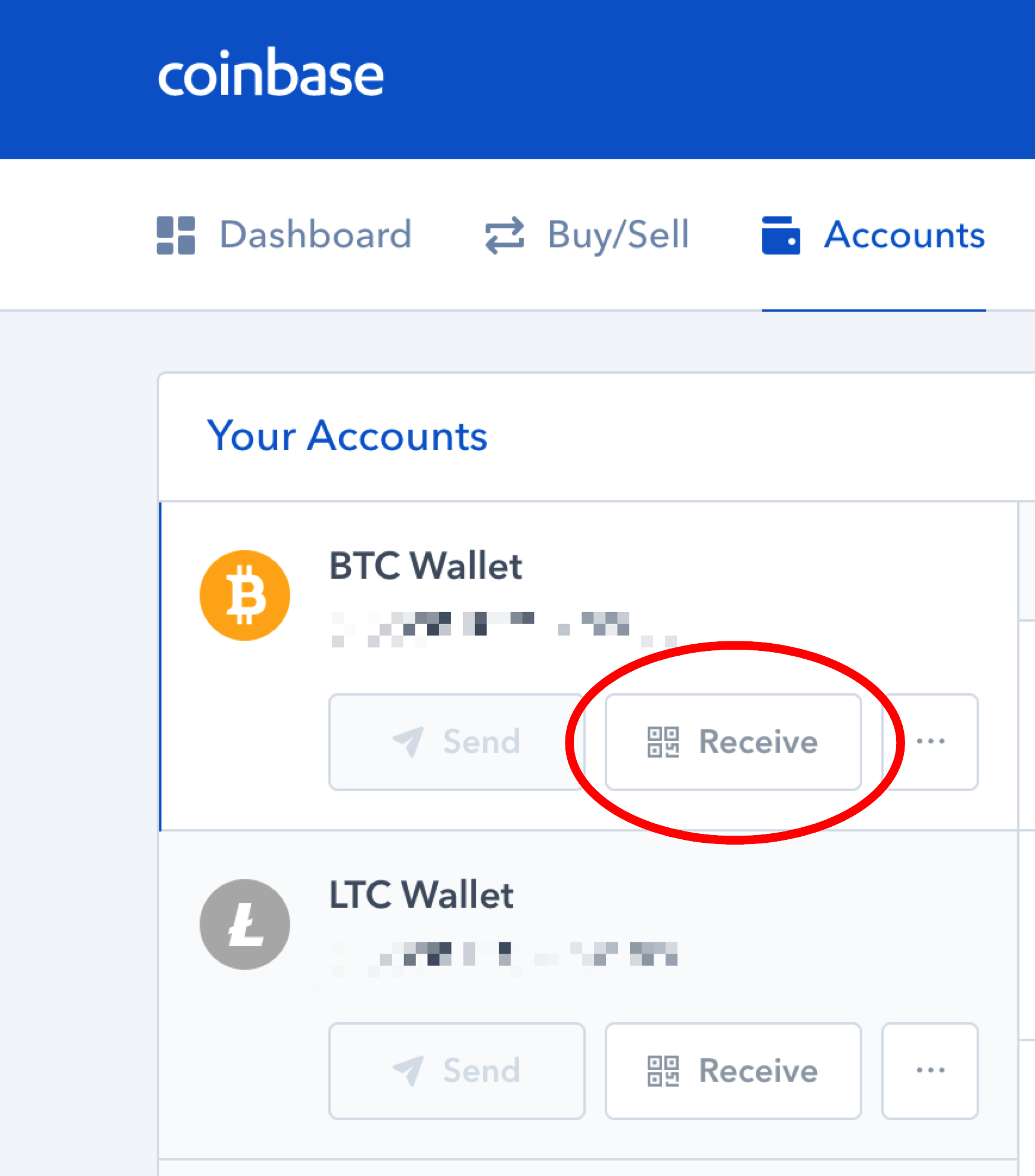
- Locate the “Deposit” section for the stablecoin you just acquired.
- Copy the deposit address—pay close attention to the network (e.g., ERC‑20 for USDC on Ethereum). Sending to the wrong network can result in loss or delay.
- Return to your wallet, hit “Send,” paste the address, and confirm. Most stablecoins settle within a few minutes, but network congestion can stretch that to an hour or more.
Once the funds appear in your exchange account, they’ll show up as a balance of the same stablecoin, ready for conversion to fiat.
Converting Stablecoin to Fiat and Initiating the Bank Transfer
On Coinbase.com, you can trade the stablecoin for the fiat currency linked to your bank. The platform typically offers a “Sell” button next to each asset:
- Select “Sell” and choose the stablecoin amount you wish to convert.
- Pick the fiat currency (USD, EUR, etc.) and confirm the sale. Coinbase will display the estimated proceeds after fees.
- After the sale, go to the “Withdraw” or “Cash out” section.
- Choose your bank account—if you haven’t added one, you’ll need to provide routing and account numbers (or IBAN for international transfers).
- Enter the withdrawal amount and confirm. ACH withdrawals in the U.S. usually arrive in 1‑3 business days; wires are faster but incur higher fees.
Keep an eye on your email for any verification prompts; Coinbase may ask you to confirm the withdrawal via a code sent to your phone.
Common Pitfalls and Tips for a Smooth Experience
Even a well‑planned transfer can hit snags. Here are a few things to watch out for:
- Network selection errors: Sending USDC on the wrong blockchain (e.g., Binance Smart Chain instead of Ethereum) will cause the funds to sit in limbo. Double‑check the network before confirming.
- Fee surprises: Stablecoin swaps and blockchain gas fees are separate from Coinbase’s exchange fees. A quick glance at the fee breakdown before you hit “Confirm” can prevent unwanted deductions.
- Bank processing times: Some banks flag incoming transfers from crypto‑related sources. If you notice a delay, contact your bank and mention the transaction originated from Coinbase.
- Security hygiene: Use a hardware wallet for large holdings. For occasional transfers, the mobile Coinbase Wallet is fine, but keep your recovery phrase offline and never share it.
By staying mindful of these details, you’ll reduce the chances of a stuck transaction or an unexpected fee.
FAQ
Q: Can I withdraw directly from Coinbase Wallet without using the exchange?
A: No. The non‑custodial wallet doesn’t support fiat withdrawals. You must first move the assets to an exchange that offers bank payouts, such as Coinbase.com.
Q: Which stablecoin is the cheapest to use for a bank transfer?
A: USDC on the Polygon network often has the lowest gas fees, but you’ll need to ensure your exchange supports that network for deposits. Otherwise, ERC‑20 USDC is the most universally accepted, albeit with higher Ethereum gas costs.
Q: How long does it take for the money to hit my bank account?
A: ACH transfers in the United States typically take 1‑3 business days. International SEPA or wire transfers may take 2‑5 days, depending on the banks involved.
Q: Are there limits on how much I can transfer?
A: Yes. Both Coinbase and your bank impose daily or monthly limits. You can view your specific limits in the “Limits” section of your Coinbase account settings.