Master Live Streaming with Yah Live: The Ultimate Guide
If you’ve been eyeing the buzz around live video and wonder how to turn a hobby into a polished broadcast, Yah Live might just be the platform you’ve been waiting for. From spontaneous gaming sessions to polished webinars, the service blends ease of use with enough depth to keep pros happy. This guide walks you through everything you need to know—setup, gear, content strategy, and even how to start earning money while you stream.
Why Choose Yah Live for Your Streams?
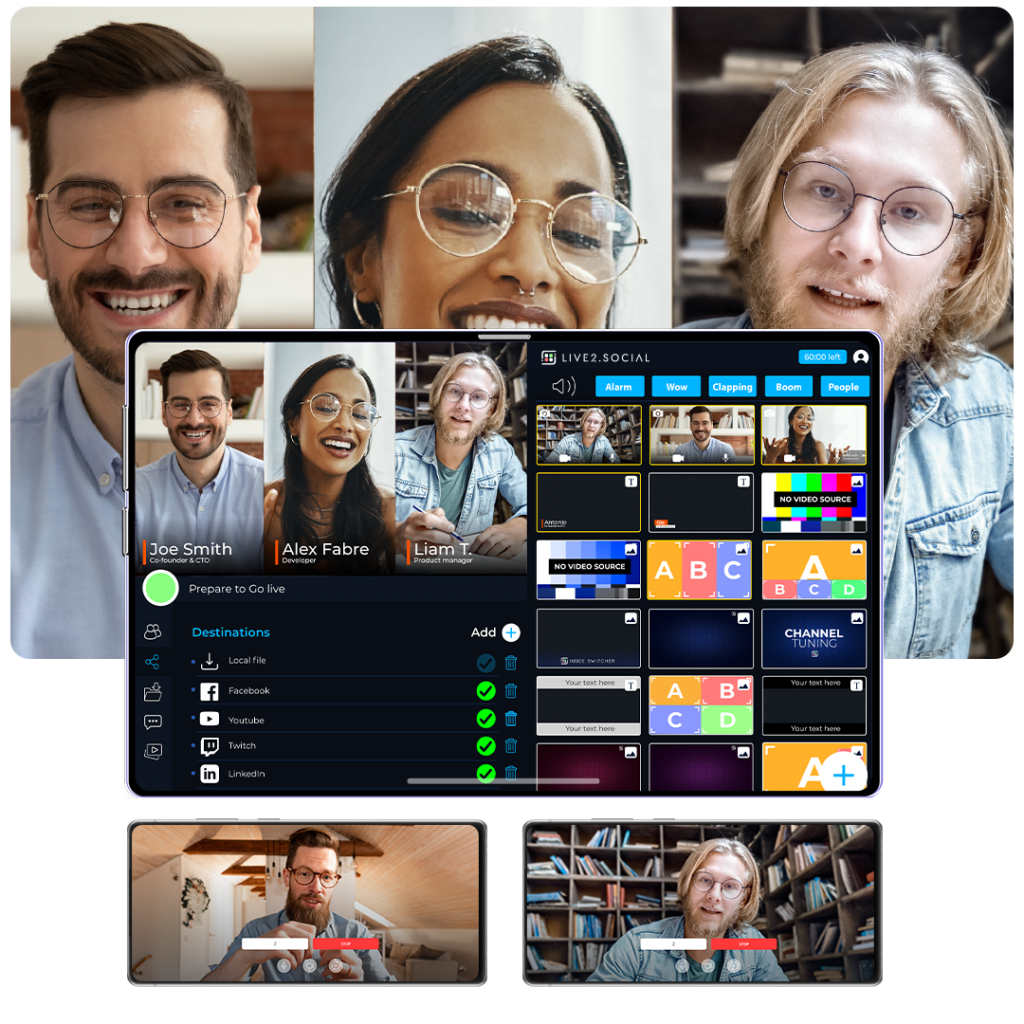
First off, Yah Live distinguishes itself with a low‑latency engine that makes real‑time interaction feel genuinely immediate. Unlike some competitors that lag a second or two, Yah Live’s infrastructure keeps comments and reactions in sync, which is crucial for audience engagement. The platform also supports multi‑streaming, letting you push your feed to YouTube, Twitch, or Facebook simultaneously without a third‑party aggregator.
Another perk is its built‑in analytics dashboard. You can track viewer counts, average watch time, and even heat maps that show which moments sparked the most chat activity. Those insights help you fine‑tune your content over time, turning raw numbers into actionable improvements. And because Yah Live is cloud‑native, you don’t need a powerful local machine to broadcast in 1080p—just a stable internet connection.
Getting Started: Setting Up Your Yah Live Account
Signing up is straightforward: head to the Yah Live website, click “Create Account,” and verify your email. The platform offers a free tier that lets you stream up to two hours per week, which is perfect for testing the waters. If you plan to go full‑time, the Pro plan unlocks unlimited hours, custom branding, and priority support.
Once your account is active, link your preferred social channels. Yah Live’s integration wizard walks you through OAuth authorizations for YouTube, Twitch, and Facebook, so you won’t have to re‑enter credentials each time you go live. After linking, you can set a default destination or toggle between them on a per‑stream basis.
Essential Equipment and Software
While you can stream straight from a smartphone, upgrading your hardware dramatically improves production value. Here’s a quick checklist:
- Camera: A 1080p DSLR or a high‑end webcam (e.g., Logitech C922) provides crisp visuals.
- Microphone: USB mics like the Blue Yeti or a budget XLR setup capture clear audio—crucial for keeping viewers tuned in.
- Capture Card: If you’re gaming on a console, a plug‑and‑play capture device (Elgato HD60 S) feeds the video into your streaming PC.
- Lighting: Softbox panels or ring lights eliminate harsh shadows and make your face pop.
Software-wise, Yah Live offers its own desktop client, but many creators prefer OBS Studio for its flexibility. The good news: Yah Live’s client accepts an RTMP URL, so you can route OBS output directly into the platform without extra plugins.
Crafting Engaging Content
Even the best gear can’t save a stream that feels like a monologue. Start by defining a clear hook in the first 30 seconds—whether it’s a bold statement, a teaser of what’s coming up, or a quick poll. Interactive elements like live polls, Q&A boxes, or on‑screen graphics keep the audience participating rather than passively watching.
Consider pacing, too. Mix high‑energy segments (e.g., gameplay highlights) with slower, conversational moments (like behind‑the‑scenes chats). This rhythm mirrors natural conversation and helps prevent viewer fatigue. Finally, don’t forget to schedule regular streams; consistency builds a loyal community that knows when to tune in.
Live Streaming Best Practices
Technical reliability is non‑negotiable. Test your internet speed beforehand—at least 5 Mbps upload for 720p, 10 Mbps for 1080p. Use a wired Ethernet connection whenever possible; Wi‑Fi can introduce jitter that ruins the viewing experience.
Another practical tip: keep a backup audio source handy, like a second microphone or a smartphone as a fallback. If your primary mic cuts out, you can switch without interrupting the stream. Likewise, enable Yah Live’s “auto‑reconnect” feature, which attempts to restore the broadcast if the connection drops.
Lastly, monitor chat moderation. Activate built‑in filters for profanity and set up a small team of moderators—either trusted friends or community volunteers. A clean, welcoming chat encourages new viewers to stick around.
Monetizing Your Yah Live Broadcasts
Once you’ve built a steady audience, Yah Live offers several revenue streams. The platform supports built‑in tip jars, where viewers can send small donations directly during the stream. If you’re on the Pro plan, you can also unlock “paid subscriptions,” granting subscribers exclusive emojis, badge icons, and occasional subscriber‑only streams.
Affiliate marketing works well alongside live content. Mention a product you’re using, drop a short affiliate link in the chat, and watch the clicks roll in. Because Yah Live provides real‑time analytics, you can see which calls‑to‑action generate the most conversions and adjust your approach accordingly.
Don’t overlook sponsorships. Brands often look for creators with engaged communities, and Yah Live’s audience metrics make it easy to pitch a sponsorship deck. A well‑placed sponsored segment—preferably one that aligns with your niche—can add a significant revenue boost without feeling forced.
Frequently Asked Questions
Is Yah Live suitable for beginners?
Absolutely. The free tier lets new creators experiment with short streams, while the intuitive dashboard guides you through basic setup steps without needing advanced technical knowledge.
Can I stream in 4K on Yah Live?
Yah Live currently supports up to 1080p for most users; 4K streaming is reserved for enterprise accounts and requires a robust upload bandwidth (around 25 Mbps). Most audiences still prefer 1080p for smoother playback.
How does Yah Live handle copyright issues?
The platform includes an automated content ID system that scans audio and video for copyrighted material. If a match is found, Yah Live will either mute the segment or block the stream, depending on the rights holder’s policies.
What are the best ways to grow my viewer base?
Consistent scheduling, cross‑promotion on social media, and engaging directly with chat are proven tactics. Leveraging Yah Live’s multi‑streaming feature to broadcast on established platforms like Twitch can also funnel new viewers to your primary channel.