Mastering Zephyrus: A Complete Beginner’s Guide
What Is the Zephyrus Line?
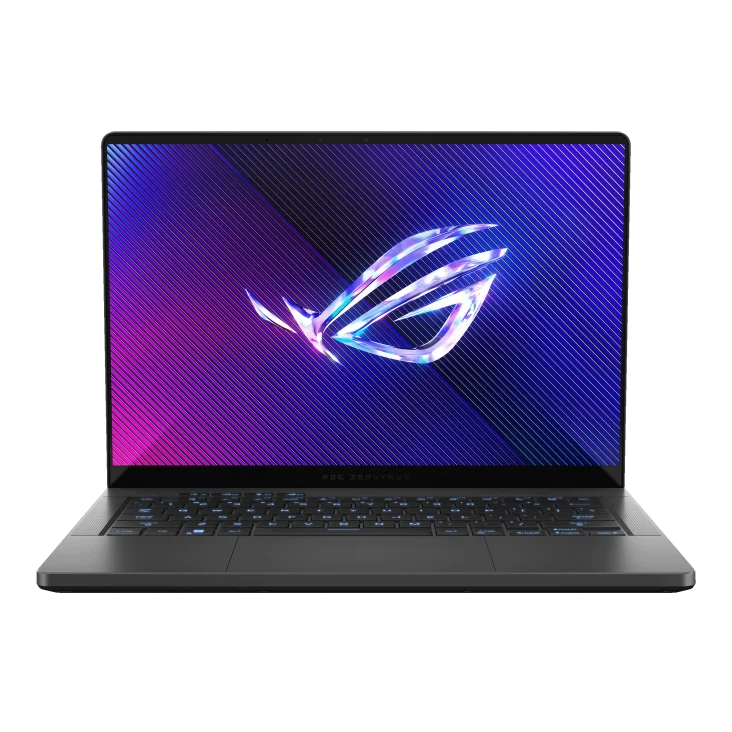
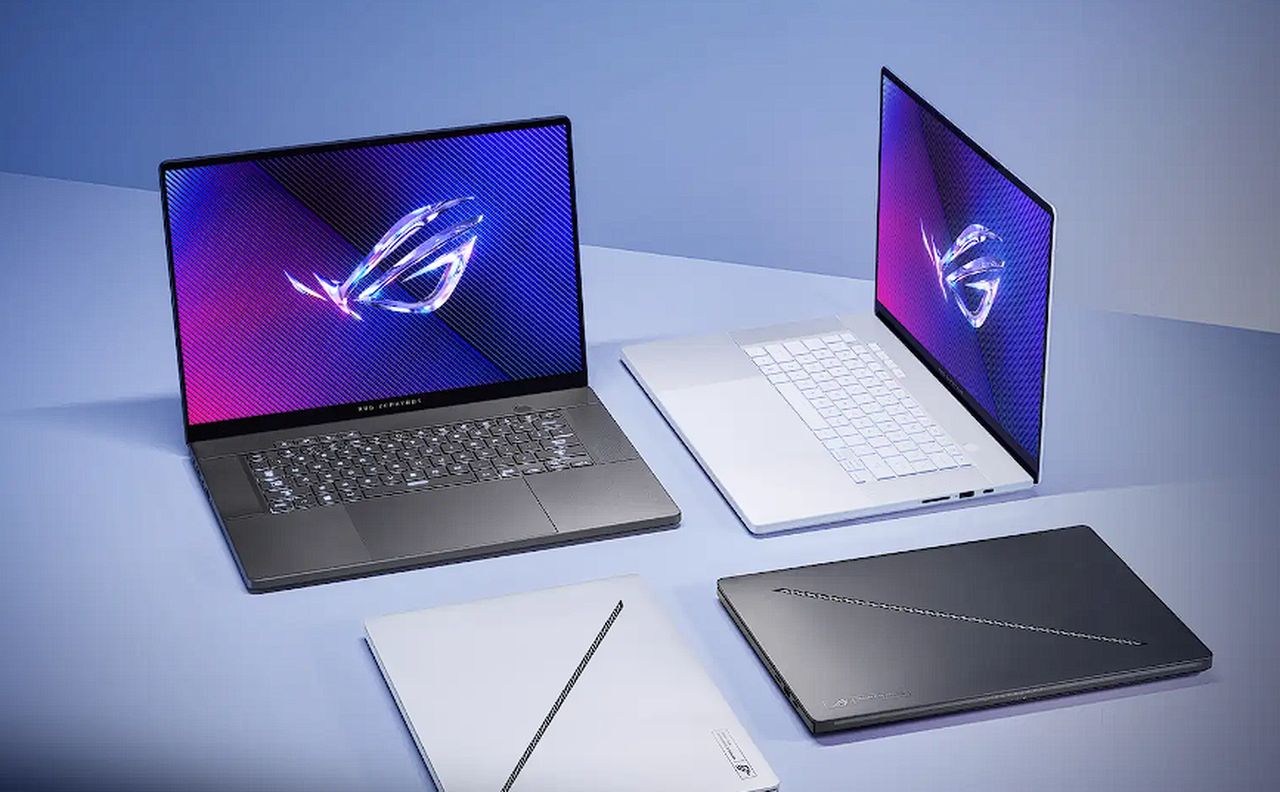
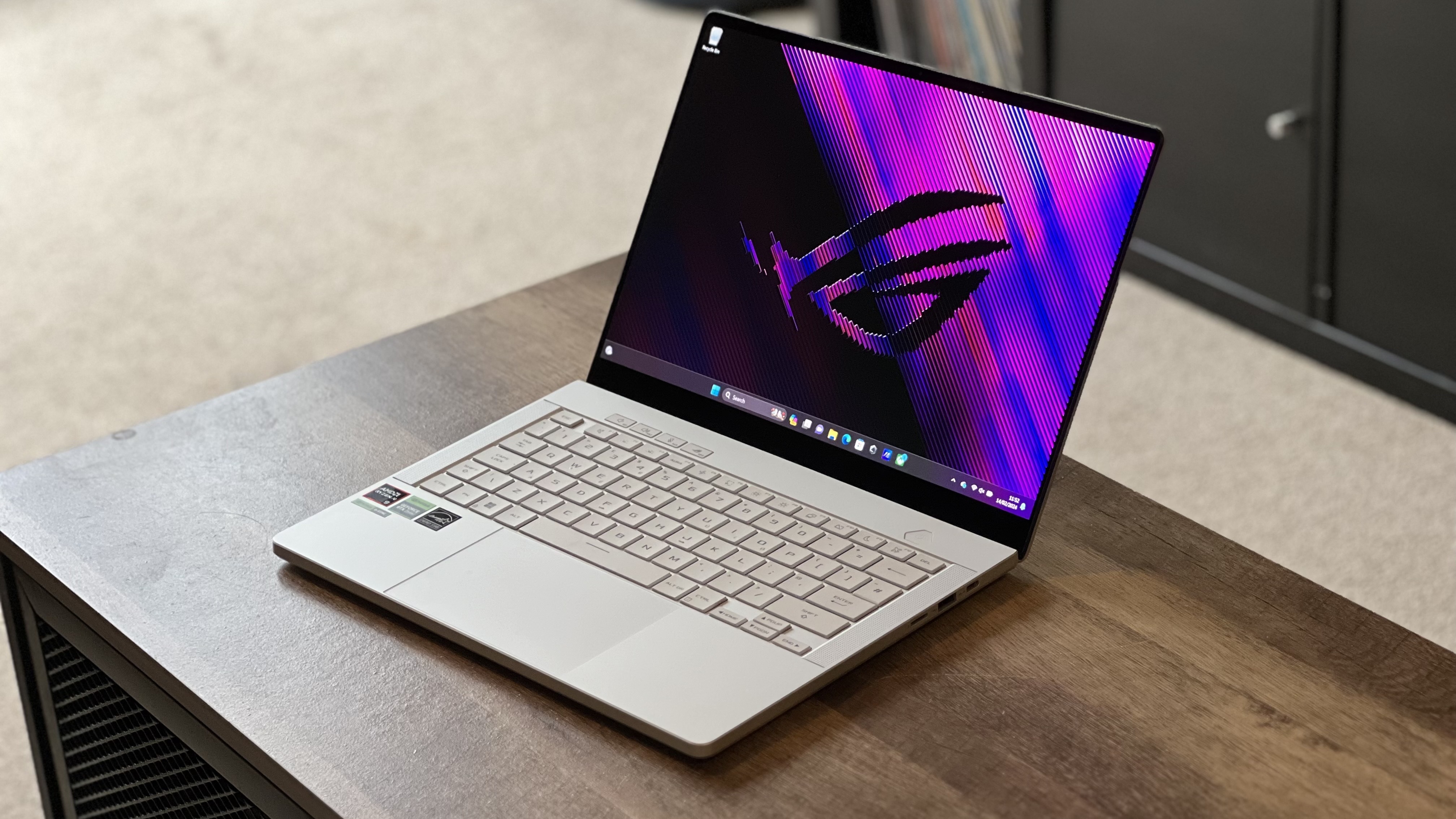
If you’ve been scrolling through tech forums or watching game streams, the name Zephyrus probably pops up a lot. In the world of high‑performance laptops, Zephyrus is ASUS’s flagship series aimed at gamers, creators, and anyone who wants desktop‑grade power in a portable chassis. The line debuted with the Zephyrus G14, a surprisingly compact 14‑inch machine that proved you could pack a Ryzen 9 processor and a decent GPU into a notebook that still fits in a backpack. Since then, ASUS has expanded the portfolio to include larger models like the Zephyrus G15, ultra‑thin Duo variants with dual screens, and the recent Zephyrus M16 that pushes the envelope on both performance and design.
Key Features That Set Zephyrus Apart
- Thin‑and‑light design: Most Zephyrus laptops weigh under 4 lb, yet they still house high‑end CPUs and GPUs.
- Advanced cooling: The ROG Intelligent Cooling system combines multiple heat pipes, liquid metal on the CPU, and customizable fan curves to keep temperatures in check during long gaming sessions.
- High‑refresh displays: Panels range from 120 Hz to 165 Hz, with some models offering 300 Hz or even 3K OLED options for ultra‑smooth visuals.
- Customizable ergonomics: The Duo series adds a secondary touchscreen, while others feature an ergonomic keyboard tilt or per‑key RGB lighting.
- Long battery life: Despite their power, many Zephyrus models can stretch past eight hours of mixed‑use thanks to efficient AMD Ryzen or Intel 12th‑gen processors.
Choosing the Right Model for Your Needs
Not every Zephyrus is built for the same workload. If you travel frequently and need a notebook that won’t weigh you down, the G14 or G15 strikes a sweet spot between performance and portability. Creators who rely on color‑accurate screens may gravitate toward the M16, which offers a 4K IPS display with a 100 % DCI‑P3 gamut. For those who love multitasking on a secondary screen, the Duo 15’s upward‑facing 14‑inch panel can serve as a sketchpad or chat window without sacrificing the main display’s 1080p refresh rate.
Price also matters. Entry‑level Zephyrus machines start around $1,200, while top‑tier configurations—especially those with RTX 3080 GPUs—can exceed $2,800. Consider whether you need the absolute max GPU power or if a RTX 3060‑level card will handle the games and rendering tasks you plan to run.
Performance Tips and Optimization
Even a Zephyrus can throttle if you neglect a few simple settings. First, enable the Quiet or Performance profiles in the ASUS Armoury Crate app, depending on whether you prioritize silence or raw frame rates. Second, keep the vents clear; a thin laptop can quickly overheat if you place it on a soft surface.
For gamers, disabling Windows’ “Game Bar” and turning off unnecessary background processes can shave a few frames off demanding titles. Creators should calibrate the display using a colorimeter and enable the “Adaptive Sync” mode to avoid tearing while editing video.
Lastly, don’t overlook the BIOS update. ASUS regularly releases firmware that refines fan curves and improves power delivery, which can translate into a smoother experience without any hardware changes.
Common Pitfalls and How to Avoid Them
One frequent complaint is the relatively limited upgradeability of Zephyrus laptops. While RAM is often soldered, the M.2 SSD slot is usually accessible. If you anticipate needing more storage down the road, opt for a larger NVMe drive from the start.
Another issue is the learning curve of the Armoury Crate interface. Some users find the nested menus confusing. A quick workaround is to pin your most‑used profiles to the taskbar or create desktop shortcuts for the “Performance” and “Battery Saver” modes.
Finally, be mindful of the battery’s health. Like any high‑performance notebook, repeatedly running at 100 % charge while gaming can accelerate wear. If you mainly use the laptop plugged in, set the battery mode to “Conservative” to limit the charge ceiling to around 80 %.
Future Outlook: What’s Next for Zephyrus?
ASUS isn’t slowing down. Rumors suggest the next generation will adopt the latest Intel “Meteor Lake” chips and NVIDIA’s RTX 40‑series GPUs, promising even higher efficiency and ray‑tracing performance. We may also see a shift toward mini‑LED or even micro‑LED panels, which would boost brightness and color accuracy without inflating power draw.
In short, the Zephyrus line continues to evolve as both hardware and software ecosystems improve. For anyone who values a blend of power, portability, and premium aesthetics, keeping an eye on upcoming releases is well worth the effort.
FAQ
- Is the Zephyrus suitable for video editing? Yes. Models with higher‑resolution displays and RTX 3060 or better GPUs handle 4K timelines smoothly, especially when paired with the latest AMD Ryzen 9 or Intel i9 CPUs.
- Can I upgrade the RAM on a Zephyrus laptop? In most recent models the RAM is soldered, so upgrading isn’t possible. Check the specifications of each model before purchase if RAM capacity is a priority.
- How does the dual‑screen Duo differ from the regular Zephyrus? The Duo adds a 14‑inch touchscreen that lifts at a 90‑degree angle, providing extra real‑estate for tool palettes, chat windows, or secondary apps without compromising the main 1080p/144 Hz display.