What Every GetContact User Should Know About Privacy & Features
If you’ve ever glanced at an unfamiliar phone number and wondered who’s behind it, you’ve probably heard of GetContact. The app promises to reveal caller identities and help you manage unwanted calls, but its growing user base also raises questions about data handling and everyday usefulness. Below is a straightforward guide for anyone curious about what GetContact users actually experience, from core functions to privacy safeguards.
How GetContact Works for the Average User
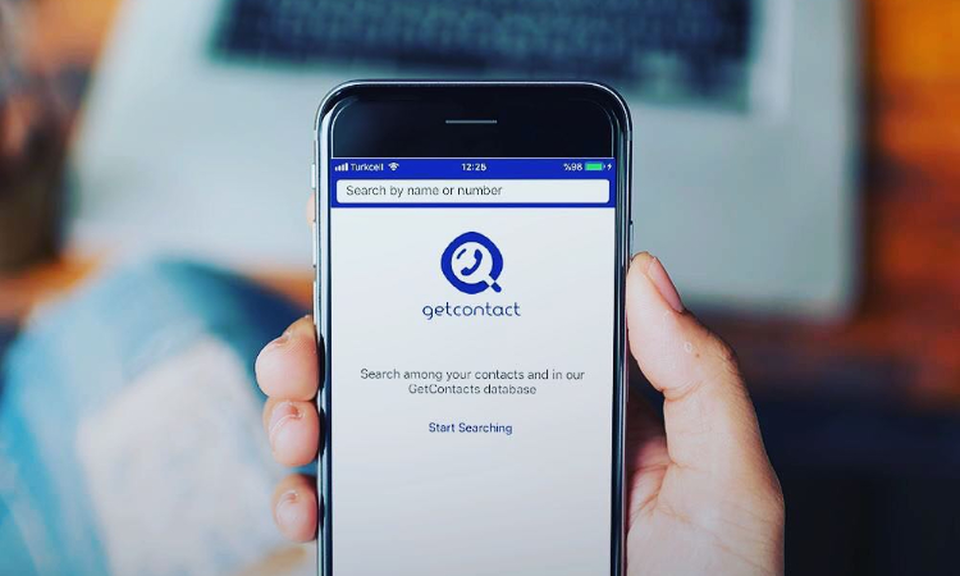
At its core, GetContact aggregates phone‑number data from a combination of public directories, user‑submitted contacts, and social‑media profiles. When you type a number into the search bar, the app cross‑references its database and displays a name tag—sometimes the official business name, sometimes a nickname given by other users. This crowd‑sourced model means the more people install the app, the richer the information pool becomes.
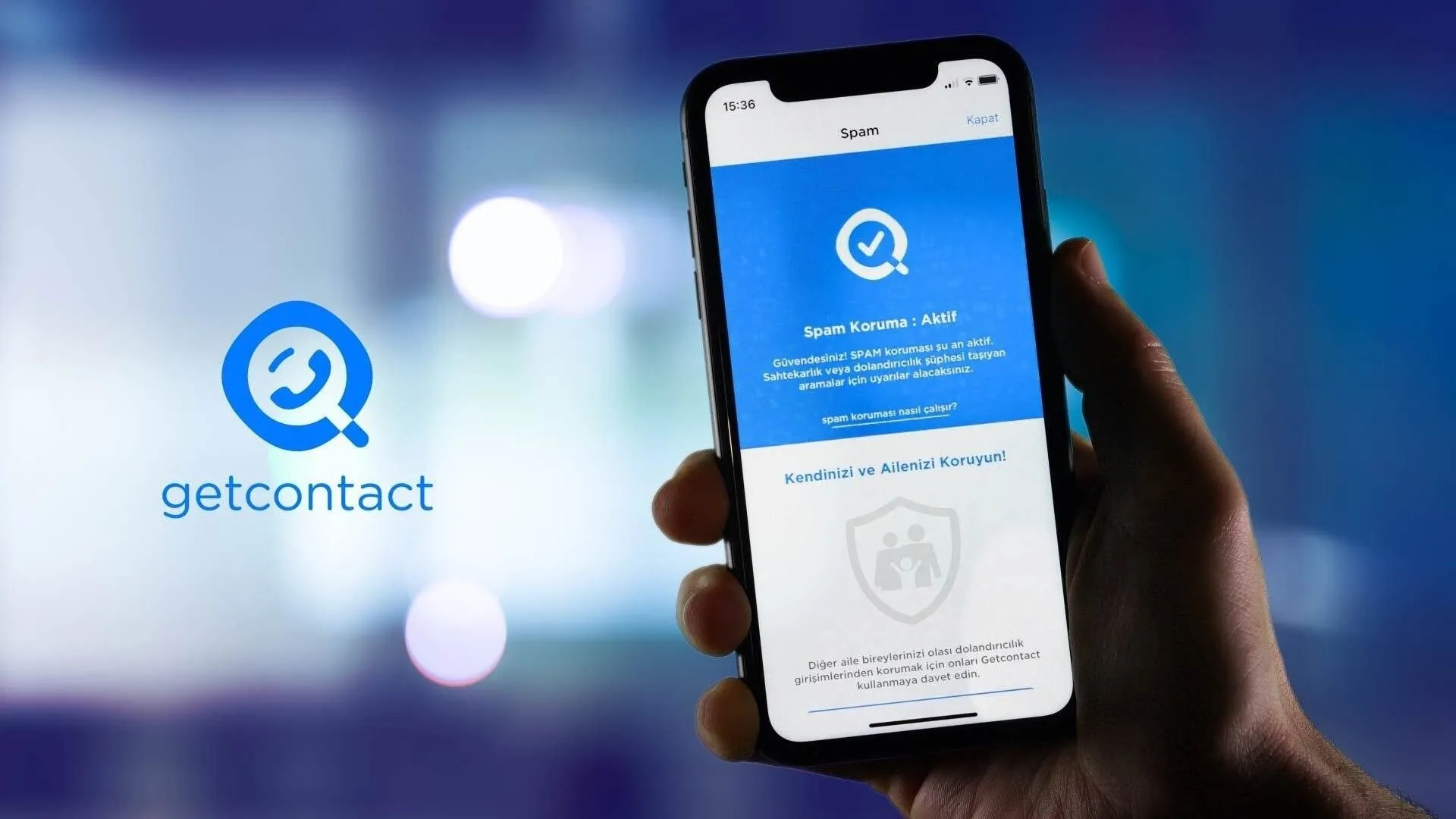
Beyond simple lookups, GetContact offers a “spam‑call blocker” that flags numbers reported as telemarketing or fraud. The blocklist updates in real time, drawing from community reports and automated pattern detection. Users can also see which contacts have saved their own number under a particular name, a feature that can be both amusing and revealing.
Who Are GetContact Users?
GetContact attracts a surprisingly diverse crowd. Small‑business owners use it to verify customer numbers, while sales professionals rely on the spam‑filter to keep their outreach lists clean. On the personal side, many people install the app out of curiosity—especially after receiving a call from an unknown source.
Geographically, the app enjoys popularity in regions where caller‑ID services are limited, such as parts of Latin America, Eastern Europe, and Southeast Asia. The multilingual interface (available in over 15 languages) further broadens its appeal, making it a go‑to tool for anyone seeking a quick identity hint before answering a call.
Privacy Concerns You Shouldn't Ignore
Because GetContact thrives on shared contact data, privacy skeptics often ask: “What does the app know about me?” By default, the app syncs your address book to improve its matching algorithm. This means that every name, number, and associated label you store can become part of a global repository, accessible to other users who search for those numbers.
While GetContact claims to anonymize data and comply with regional regulations such as GDPR, the exact mechanisms remain opaque. If you’re wary of your contacts being exposed, you can disable the address‑book sync in the settings, but doing so will also limit the app’s ability to recognize incoming calls.
Managing Your Information Within the App
Fortunately, GetContact offers a few practical controls. Open the Settings menu, locate Privacy, and you’ll find options to:
- Turn off automatic contact upload.
- Delete previously uploaded contacts from the server.
- Choose whether your own number appears in other users’ search results.
Regularly reviewing these settings helps you strike a balance between useful caller identification and personal data exposure. Remember that any changes you make may take a few hours to propagate across the platform.
Tips for Safe and Effective Use
Here are a few practical pointers that most seasoned GetContact users follow:
- Verify before you trust. A name tag is only as reliable as the crowd that supplied it. Cross‑check suspicious numbers with a second source when possible.
- Limit sync frequency. If you only need occasional lookups, disable continuous address‑book syncing and manually upload contacts only when you’re about to perform a search.
- Report inaccurate entries. The app’s community‑driven model improves when users flag wrong names or spam numbers. Your feedback helps keep the database cleaner for everyone.
- Mind regional regulations. In some countries, storing personal data without explicit consent can breach local laws. Adjust your privacy settings accordingly if you travel or use the app abroad.
When GetContact Might Not Be the Right Tool
Despite its convenience, the app isn’t a silver bullet for every scenario. If you’re handling highly sensitive client information—say, in legal or medical fields—relying on a third‑party service that shares contact data could be risky. Similarly, businesses that need guaranteed caller verification often opt for paid services that provide certified caller‑ID rather than crowd‑sourced guesses.
In short, treat GetContact as a helpful supplement, not a replacement for professional verification tools.
Frequently Asked Questions
Can I hide my own phone number from other GetContact users?
Yes. Within the Privacy settings you can toggle the option that prevents your number from appearing in other users’ searches. This does not affect the app’s ability to identify callers for you.
Does GetContact work without an internet connection?
No. The app relies on a constantly updated cloud database, so an active data connection is required for lookups and spam‑blocking features.
Is the free version limited compared to the premium plan?
The free tier provides basic number lookups and spam alerts, while the premium subscription unlocks unlimited searches, advanced caller analytics, and priority support. Whether the upgrade is worth it depends on how frequently you need detailed insights.
How often is the contact database refreshed?
Updates occur continuously as users upload new contacts and report spam. Most changes become visible within a few hours, though peak times can see slightly longer delays.